
A browser game will not load. What should you try?
Find out whether a problem starts with the game page, its embedded player, your connection, or browser graphics—without putting your saved progress at risk.
Read the guideThe player library
Practical explanations of how our browser-game experience works, what to check when it does not, and how to protect your progress.
Start with the symptom
Each guide covers a different problem. No game account or download is required to read them.
Find out whether a problem starts with the game page, its embedded player, your connection, or browser graphics—without putting your saved progress at risk.
Read the guideUnderstand local saves, embedded players and cloud saves before switching devices, opening a private window, or clearing browser data.
Read the guidePractical checks for a game that has loaded but does not respond the way you expect, including input focus, mobile layouts and sound.
Read the guidePlayed & explained
Specific controls, a real opening-level walkthrough, and clearly stated save behaviour.
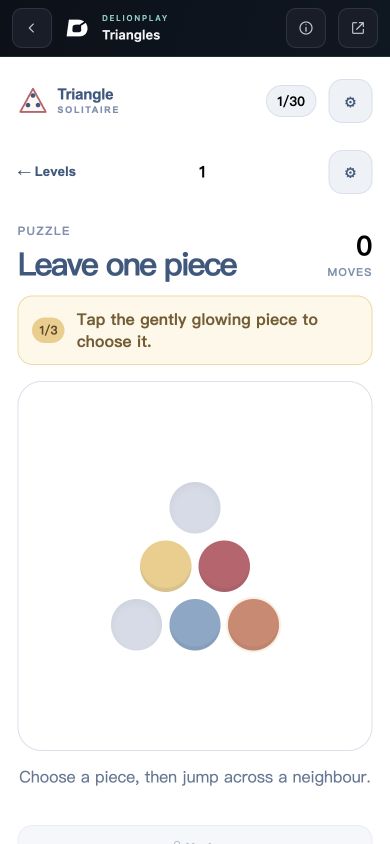
Learn legal jumps, reveal the first-level solution, and understand what survives a reload.
Read the play guide →Checked 24 Oct 2026 · Opening level playtestedAbout this library
Games in the shared catalog can use different engines, hosting addresses and save systems. These guides explain the surrounding browser experience; they do not promise that every title supports the same controls, device, or cloud-save feature.
How we prepare and update our content →Use the browser check and issue template to tell us what happened. A game link and an exact description are more useful than clearing all your browser data.
Get player support